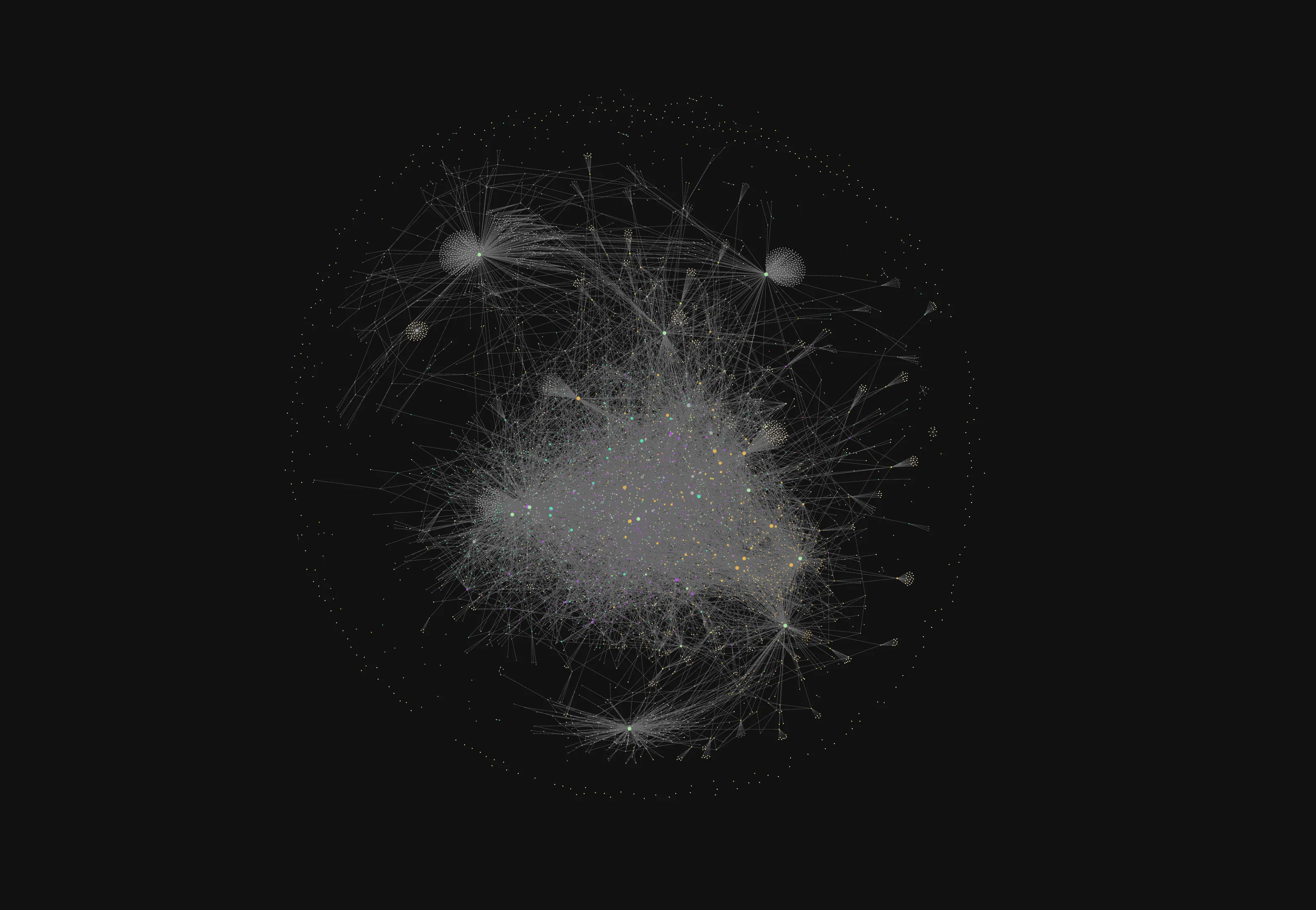
A Garden, a Library, and an AI Assistant
How I structure my Obsidian vault around unfinished thoughts, dense references, active work, and AI-assisted notes.
I already wrote about how I take notes with Obsidian. That post was mostly about the system I had settled on after years of tweaking folders, templates, daily notes and task plugins.
This one is more like a follow-up.
The interesting part is that the system changed again, but not in the way I expected. I didn’t add a new complicated taxonomy. I didn’t move everything into a strict PARA setup. I didn’t discover the final perfect note-taking method, because I don’t think that exists.
What changed is that I started using AI agents inside my vault more often. That forced me to make the vault simpler, more explicit and easier to navigate, not just for me but also for the tools that read and write notes with me.
Disclaimer: This is not a recommendation that everyone should connect AI tools to their personal notes. It is just what I am experimenting with. My vault contains a lot of work-in-progress thoughts, half-baked ideas and logs. Your comfort level might be completely different.
Why
I still believe the main purpose of my notes is to offload thinking into a durable place. It is not a productivity dashboard. It is not a perfect archive. It is not a personal CRM disguised as a second brain.
The vault has to help me:
- Capture small ideas before they disappear
- Keep work and personal thinking from mixing into one vague pile
- Revisit older decisions and patterns
- Turn scattered notes into writing, documentation or plans
- Notice when I am building systems instead of doing the thing
That last one became more important recently.
At the beginning of 2026, I asked Claude Code to review my 2025 notes. The conclusion was a bit uncomfortable. I was not failing because I couldn’t execute. I was failing because I was creating too many planning layers. Yearly plans, quarterly plans, monthly plans, weekly reviews, daily notes, task notes, kanban boards, views. At some point, planning became a very respectable way of procrastinating.
So I simplified the vault.
Of course, some complexity crept back in later. Because apparently I am still me. But now I have a better rule of thumb:
If a folder or system only makes me feel organized, but I don’t actually use it, it is probably debt.
Current Folder Structure
Obsidian calls the folder of your notes your Vault. My current vault is still mostly flat. I try not to create nested folders unless there is an obvious reason.
The current top-level structure looks roughly like this:
00-Inbox01-Garden02-Operations03-Library04-Outputs05-ArchiveScratchpadxThe numbers are there only to keep the order stable. I don’t want to think about where folders appear in the sidebar.
Let’s go through them.
00-Inbox
00-Inbox is the entry point.
This is where new notes go when I don’t want to decide where they belong yet. It can be a rough thought, a captured quote, an AI-generated summary, or something I know I should process later.
The important part is that Inbox is not supposed to be clean all the time. If it becomes messy, that is fine. It is allowed to be messy because it is the place where unfinished things live.
This is also where my AI-generated insight notes usually land.
I have an insight skill that creates small Obsidian notes from a session. The skill does a couple of opinionated things:
- It writes the note into
00-Inbox - It uses a simple frontmatter structure
- It marks the source as
AI Agent - It searches the vault before writing, so it can add relevant
wikilinks - It tries to set an
up:link if there is a clear parent note - It prefers a structured note over a generic summary
The generated note is not supposed to be final. It is a draft of understanding. Sometimes I keep it as-is. Sometimes I delete it. Sometimes it becomes the seed of a longer note or blog post.
This matters because AI is very good at creating plausible text. The Inbox gives that text a quarantine zone. Nothing generated automatically becomes part of the polished garden.
01-Garden
01-Garden is the main thinking area.
This is where most evergreen-ish notes, concepts, personal frameworks, technical notes and long-lived ideas live. I don’t enforce a very strict definition here. If something is generally useful and not tied to a specific project, source or output, it probably belongs here.
Some examples:
- Technical concepts I want to remember
- Notes about writing and thinking
- Personal frameworks
- AI assisted coding practices
- Reflections about habits, productivity and work
I used to care more about whether a note was a source note, point note, evergreen note, BOAT note or something else. These distinctions are useful when they help. But when they become a classification game, I lose interest.
Now the rule is simpler:
If I expect to link to it later, it belongs in the garden.
AI makes this folder more useful because links become more important. When the agent searches the vault before creating a note, it can find related garden notes and connect the new thought to the existing web.
But I still don’t want AI to over-link everything. A link is only useful if it creates a real path back to context.
02-Operations
02-Operations is for things that are active in life and work.
It has a few nested folders:
02-Operations/Calendar02-Operations/Work02-Operations/YearlyThis is where the vault gets more practical. Work notes, daily logs, yearly commitments, active projects and operational documents go here.
I used to have a much more complicated setup for planning. It looked good. It felt responsible. It also created a lot of surface area to maintain.
The current version is more modest. I still need operational notes because work is real and projects have moving pieces. But I try to avoid building a system where maintaining the system becomes another project.
AI has been most useful here as a reviewer.
For example, asking an agent to review a quarter of daily notes can surface patterns I would not notice easily:
- Which goals had external accountability?
- Which commitments were only aspirational?
- Which files or folders came back even after I archived them?
- Am I actually using a planning system, or just preserving it because it feels good?
This is a different use of AI than “write this for me”. It is closer to asking someone to look at your room and tell you what you are pretending not to see.
03-Library
03-Library keeps external material.
Articles, book notes, clipped pages, references and other source material go here. I currently keep external sources under:
03-Library/ExternalThe separation is important because there is a difference between something I thought and something I collected.
Source material is useful, but it is not the same as knowledge. A vault full of clipped articles can feel impressive and still be useless. The value comes later, when I turn something into my own words, connect it with another idea, or use it in an output.
AI can help summarize or extract points from source material, but I try not to skip the interpretation step completely. If I let the model do all of the processing, the note may look finished while my own understanding stays shallow.
So the library is mostly a holding area, but I also keep finished, information-dense reference notes there when their main value is lookup rather than ongoing development.
04-Outputs
04-Outputs is where things become public or reusable.
It contains folders like:
04-Outputs/blogposts04-Outputs/linkedin04-Outputs/notes04-Outputs/presentations04-Outputs/xThis blog post lives there.
I like keeping outputs inside the vault because writing rarely starts from a blank page. It usually starts from old notes, daily logs, project decisions, half-written opinions and screenshots I forgot I had.
This folder is also where AI becomes a writing assistant instead of a note assistant.
There is a big difference between these two modes:
- In notes, I want AI to preserve context and create useful raw material.
- In outputs, I want AI to help shape an argument, find structure and make the writing clearer.
The draft still has to sound like me. I don’t want a generic polished AI essay. I want the rough edges, the small opinions and the parts where I admit the system failed again.
05-Archive
05-Archive is for things I don’t actively use but don’t want to delete yet.
I am trying to become more comfortable with archiving. Not every note needs to stay visible. Not every system deserves a permanent place in the sidebar.
This is especially important with AI because AI lowers the cost of creating text. If creating more notes becomes almost free, deleting and archiving become more important skills.
Otherwise the vault slowly becomes a landfill with good search.
Scratchpad
Scratchpad is exactly what it sounds like.
Temporary text, quick experiments, things I might throw away. I don’t want every piece of text to become a note. Sometimes I just need a place to think for 10 minutes.
This folder helps keep the Inbox from becoming too noisy.
x
x is the maintenance area.
It has things like:
x/attachmentsx/scriptsx/templatesx/archivedThis is where the supporting machinery lives. Attachments, templates, helper scripts and old archived structures don’t need to compete with actual notes.
I like having a boring maintenance folder. It makes the vault feel less magical and more like a project directory. There are notes, and there is tooling around notes.
How AI Fits Into the Vault
The biggest change is that I no longer treat AI as a separate chat window where useful context goes to die.
If a conversation produces something worth keeping, it should become a note.
That is the reason for the insight skill. It turns a useful session into a structured note. The note is not meant to be perfect. It is meant to preserve the useful part of the interaction before it disappears.
A typical AI-assisted note has a structure like:
---created: 2026-05-23 14:30tags:  - fleetingsource: "AI Agent"up:---
# Note Title
## Core insight
The main idea in one or two sentences.
## Context
- Why this came up.- What problem or exploration led here.
## Key points
- Useful details.- Decisions.- Related paths, commands or examples.
## Implications
- Why this matters.- What should change because of it.
The important property here is source: "AI Agent".
I want generated notes to be visible as generated notes. Not because they are bad, but because provenance matters. If I wrote a thought myself, clipped it from an article, or generated it with an agent, those are different kinds of material.
AI As a Vault Reviewer
The most useful AI workflow in my vault has not been generating new notes. It has been reviewing existing ones.
A human is very good at rationalizing their own systems. I can look at a folder full of unused templates and still think, “this might be useful someday”.
An AI agent is annoyingly good at counting things.
It can say:
- You have hundreds of daily notes but only a few of them are revisited.
- You created many planning files but execution happened elsewhere.
- You keep reintroducing task systems after archiving them.
- Your work goals have evidence, but your personal goals don’t.
That kind of review is useful because the vault contains receipts. It is harder to maintain a comforting story when the files disagree.
AI As a Writing Partner
For writing, I use AI more carefully.
I don’t want it to invent the opinion. The opinion should come from my notes, frustrations, repeated patterns and decisions. But once I know the shape of the idea, AI can help with:
- Creating a first outline
- Finding missing sections
- Turning scattered bullets into a readable draft
- Matching the style of an older post
- Checking whether the argument flows
This post is an example of that workflow. The source material is my vault structure, my insight skill, and the way I already write about Obsidian. AI helps assemble the draft, but the underlying system is mine, including all of its contradictions.
Rules I Try To Follow
I don’t have hard rules, but these guidelines help:
- AI-generated notes start in
00-Inbox - Generated notes should identify their source
- The agent should search existing notes before creating new ones
- Links should be useful, not decorative
- Output drafts should live in
04-Outputs - Source material should stay separate from my own interpretation
- If a system is not used, archive it
- Do not add more systems to track why I am not following systems
The last one is the hardest.
Considerations
AI makes it easier to create. That sounds good, but for a note-taking system it is also dangerous.
The bottleneck in a vault is rarely the ability to produce more text. The bottleneck is attention. What deserves to be kept? What should be connected? What should be deleted? What is actually useful enough to revisit?
A simpler folder structure helps because it reduces the number of decisions. The AI does not need a perfect taxonomy. I don’t need one either.
What I need is a vault that makes the next action obvious:
- Capture unfinished things in Inbox
- Keep durable ideas in Garden
- Run life and work from Operations
- Store sources in Library
- Turn things into Outputs
- Archive aggressively
That is enough.
At least for now.
Tags: note-taking , productivity , ai
Share